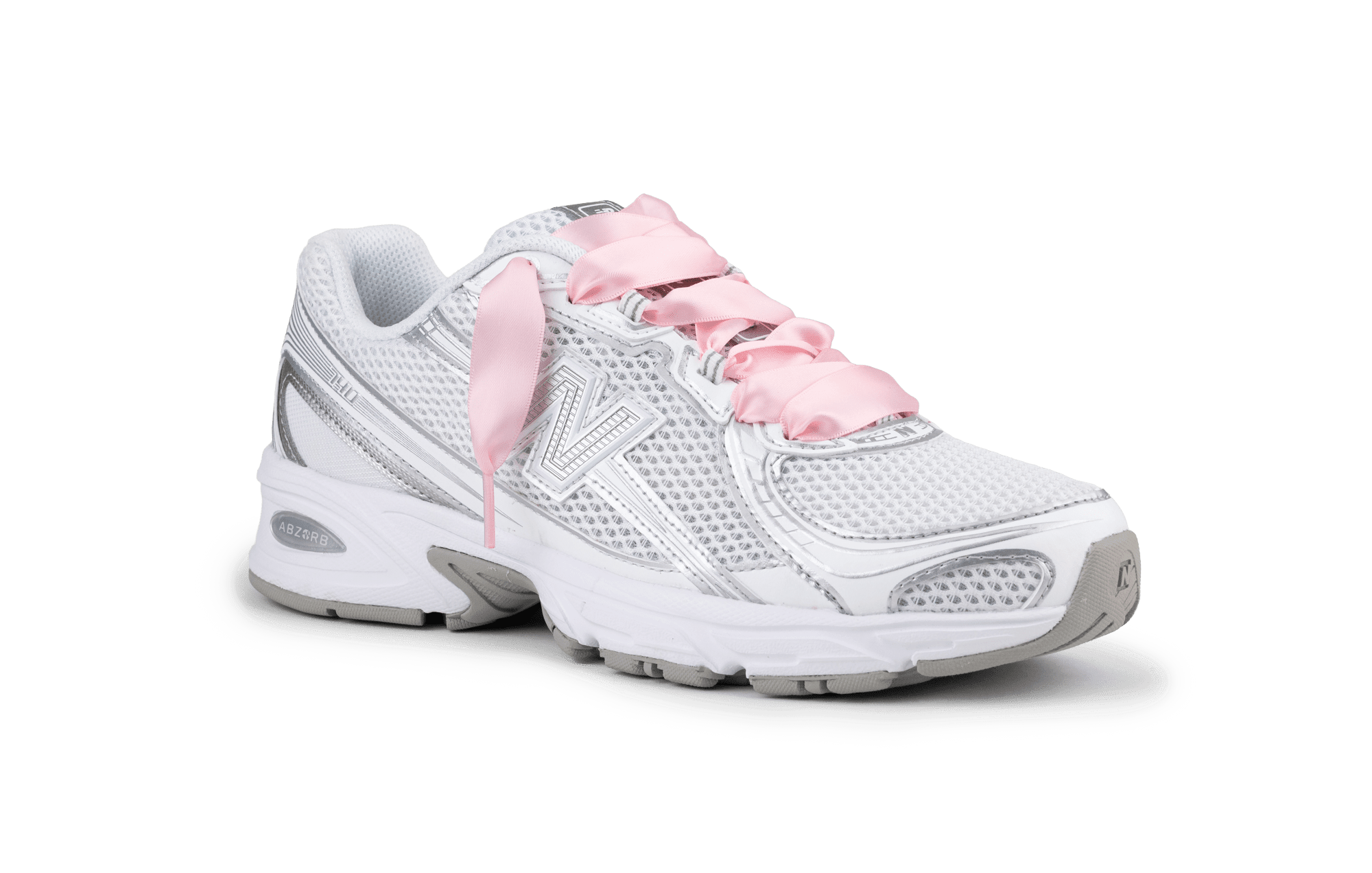
Silky Ribbon Laces
Original price was: 11,99 €.9,99 €Current price is: 9,99 €.
We'll find the perfect length for you!

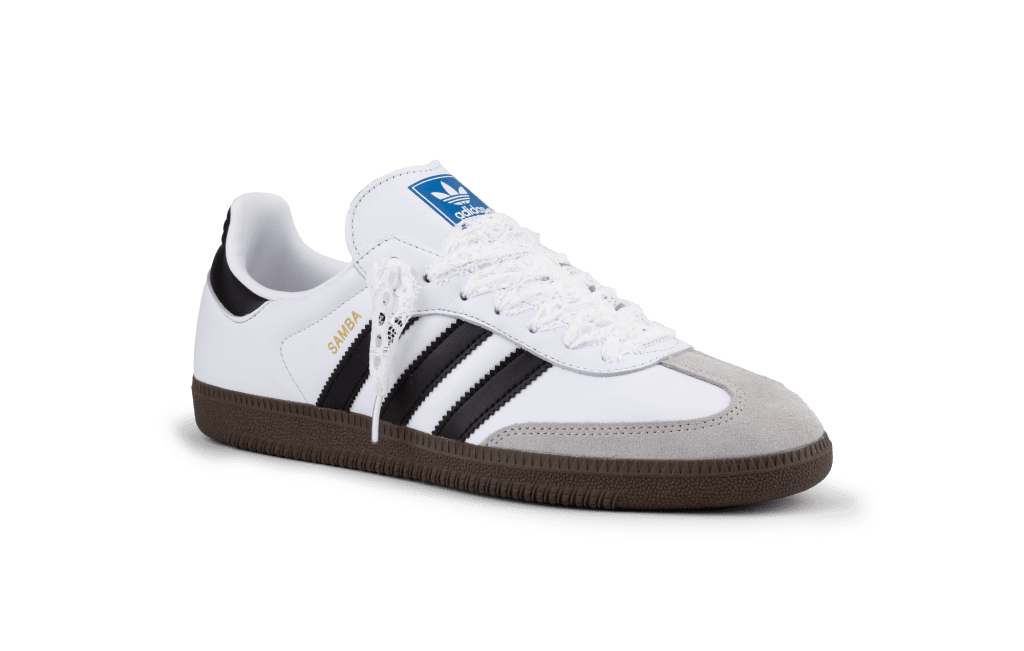
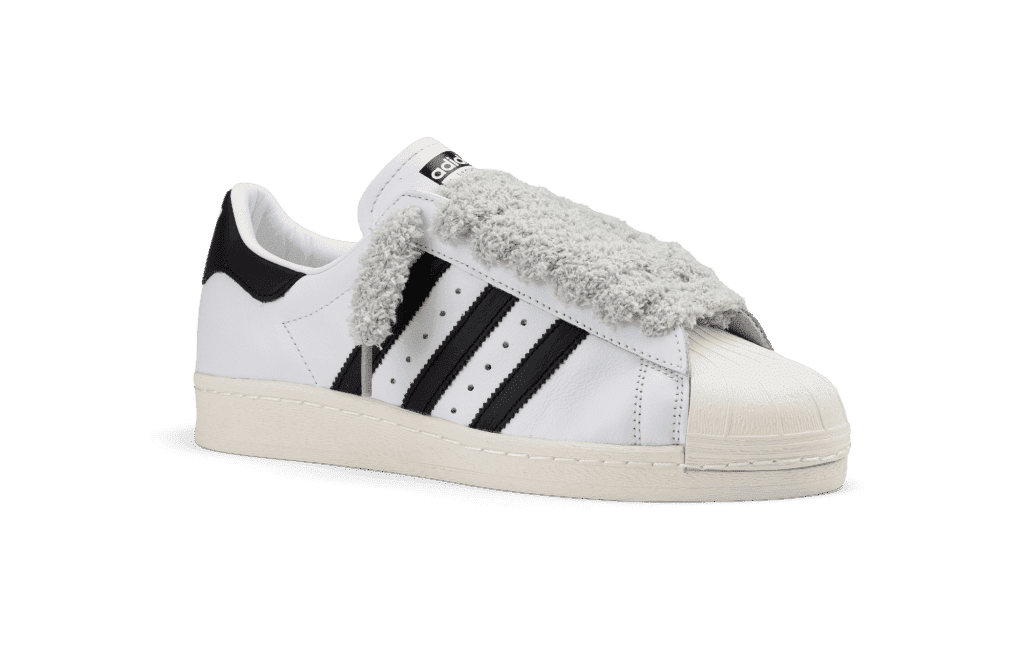
These wide silky laces bring style, shine and character to your sneakers. The shiny satin ribbon is soft to the touch and gives your look an elegant finish.
Whether Nike Air Force 1, Jordan 1, Adidas Samba, Campus or Gazelle – our Silky Ribbon Laces go well with sporty as well as noble styles.
You want to stand out without screaming? These **Fashion Laces** make a clear statement: feminine, creative and individual.
The tape is sturdy, durable and easy to thread. Whether loosely tied or as a bow: Ribbon Laces make every shoe a highlight.
Make your sneaker a statement. With BAGGY – for stylish, silky laces that complete your look.
Scope of delivery
You get everything you need for a pair of sneakers: laces for the left and right sneaker.
Please note that the sneakers pictured are not included.
More questions?
- Shipping 2-4 working days 2,99€ – National
- Shipping 4-7 working days 5,99€ – International
More questions?
Material: 100% polyester – particularly tear-resistant and dimensionally stable.
Care: Hand wash with a soft cloth and lukewarm water. Allow to air dry.
More questions?
[data-attribute_name="attribute_color"] .button-variable-item span{
  display:none
}

.length-custom-text{display:none}


[data-attribute_name="attribute_color"] li {
  width: 80px !important;
  height: 80px !important;
  border-radius: 10px !important;
  border: solid 0px white !important;
  background:#F6F6F6 !important;
  margin-right:5px !important;
}

[data-attribute_name="attribute_color"] li.selected {
  border: solid 0px black !important;
  background:#F6F6F6 !important;
}


#ohowwx img{
  width:90px
}
[data-wvstooltip]:hover:before,
[data-wvstooltip]:hover:after{
  display:none
}
ul[data-attribute_name="attribute_color"] li{
  position:relative;
}

ul[data-attribute_name="attribute_color"] a{
  position:absolute;
  top:0;
  left:0;
  width:100%;
  height:100%;
  z-index:10
}
// IMG LIGHTBOX REMOVE LINKS HREFS
document.addEventListener('DOMContentLoaded', function() {
// Select all anchor elements inside .woocommerce-product-gallery__image divs
document.querySelectorAll('.woocommerce-product-gallery__image a').forEach(anchor => {
// Remove the href attribute from the anchor tag
anchor.removeAttribute('href');
});
});
// IMG CLICKS IDS
document.addEventListener("DOMContentLoaded", function() {
// Handle images with spaces in their id attributes (run this immediately)
const images = document.querySelectorAll('img[id]');
// Iterate through each image element to normalize IDs first
images.forEach(function(img) {
// Get the id of the image
let imgId = img.getAttribute("id");
// Replace spaces with hyphens and normalize to lowercase
const validImageId = imgId.replace(/s+/g, '-').toLowerCase();
// Set the new ID with hyphens to the image element (making it valid)
img.setAttribute("id", validImageId);
});
// Delay the execution of the image-related logic to ensure that IDs are replaced before looking for them
setTimeout(function() {
// Select all li elements inside ul with data-attribute_name="attribute_color"
const listItems = document.querySelectorAll('ul[data-attribute_name="attribute_color"] li');
// Iterate through each li element
listItems.forEach(function(li) {
// Get the value of the data-title attribute
let dataTitle = li.getAttribute("data-title");
// If data-title exists, proceed
if (dataTitle) {
// Normalize by replacing spaces with hyphens to create a valid ID selector for both li and image
const validId = dataTitle.replace(/s+/g, '-').toLowerCase();
// Find the corresponding image by normalized ID (replace spaces with hyphens in the image id too)
const imgElement = document.querySelector(`img[id="${validId}"]`);
// If the image element exists, clone it inside the li
if (imgElement) {
// Clone the image element
const clonedImage = imgElement.cloneNode(true);
// Append the cloned image inside the li element
li.appendChild(clonedImage);
} else {
// Log an error if the image doesn't exist (for debugging purposes)
console.error(`No image found for ID: ${validId}`);
}
// Add a click event listener to scroll to the target element
li.addEventListener('click', function() {
// Find the element with the corresponding normalized ID
const targetElement = document.querySelector(`#${validId}`);
// If the element exists, scroll to it with an offset
if (targetElement) {
// Get the top position of the target element
const elementPosition = targetElement.getBoundingClientRect().top + window.scrollY;
// Scroll to the element's position minus 130px for the offset
window.scrollTo({
top: elementPosition - 130, // Adjust the scroll position by -130px
behavior: 'smooth' // Smooth scroll
});
}
});
}
});
}, 300); // Wait for 300ms before running the image insertion logic
});