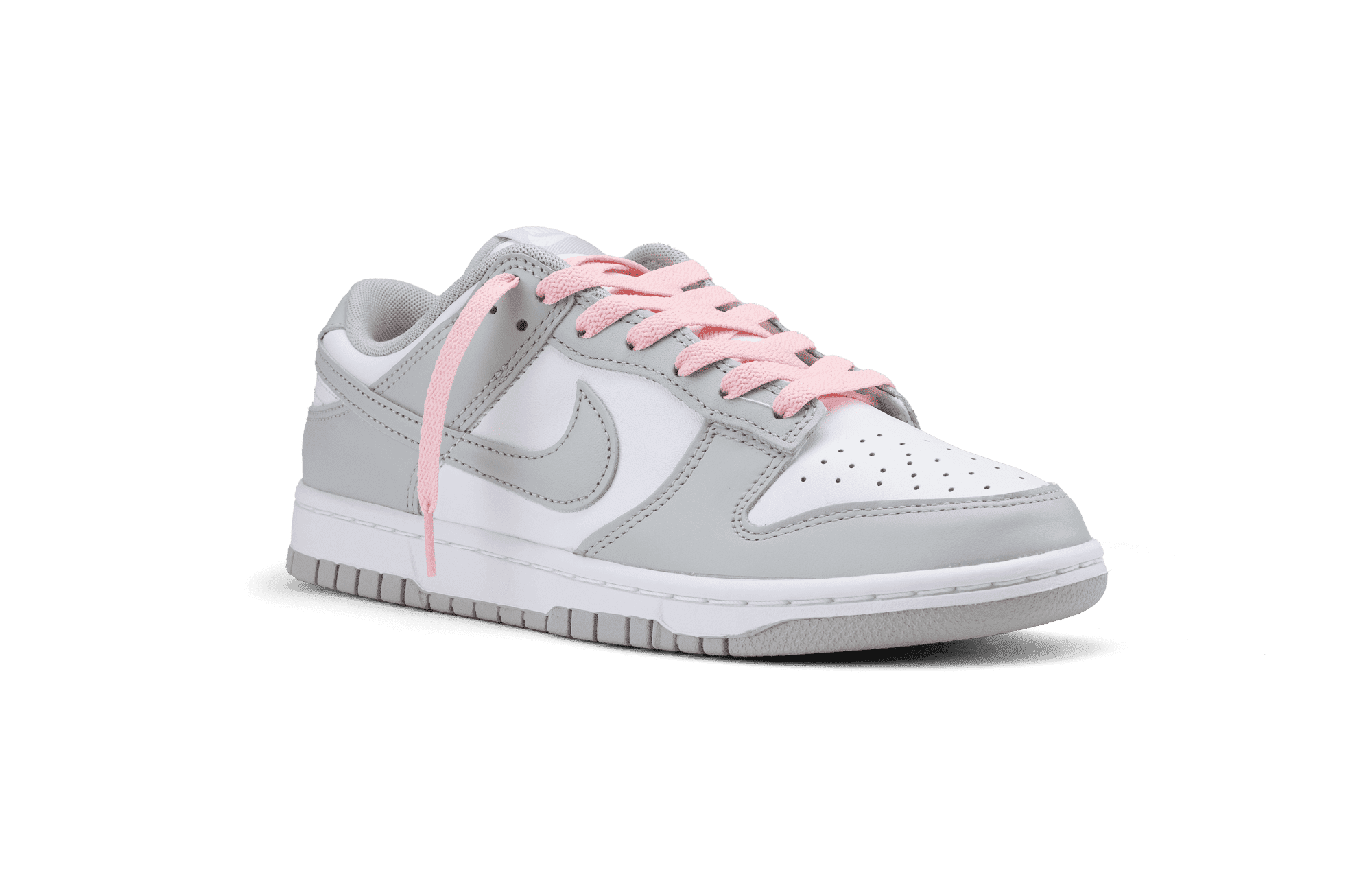
Lacets plats 2 couches
À portée de main
4,99 €
Taxes incluses
Remarque : Nos lacets sont toujours vendus par paires – un paquet contient des lacets (pour une chaussure gauche et droite)
Vous ne savez pas quelle longueur de lacet est la bonne ?
Nous trouverons la longueur parfaite pour vous !
Déterminer votre longueurNous trouverons la longueur parfaite pour vous !
Produit
Livraison et retours
Instructions de matériau et d’entretien
Plus de lacets
Voir tout
Lacets à ruban soyeux
Plus de couleurs et de longueurs
Le prix initial était : 11,99 €.9,99 €Le prix actuel est : 9,99 €.
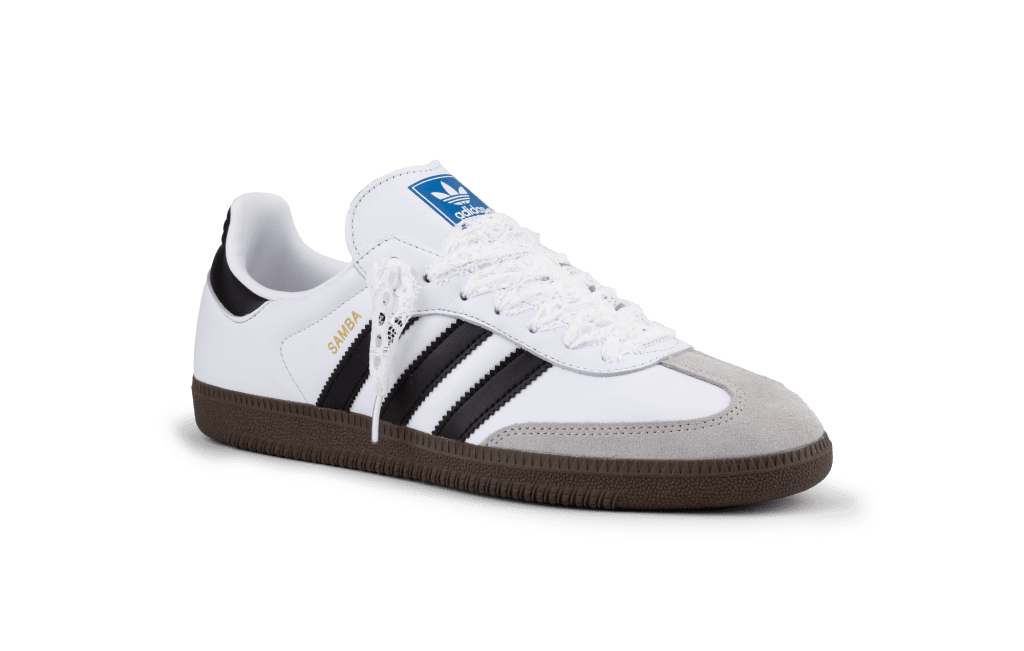
Lacets au crochet
Plus de couleurs et de longueurs
Le prix initial était : 11,99 €.9,99 €Le prix actuel est : 9,99 €.
Produit
Minimalistes, modernes, intemporels – les lacets plats donnent à vos baskets le look épuré que vous aimez. Combinez des couleurs classiques comme le noir et le blanc avec des tons pastel tendance et faites votre déclaration de mode. Moins, c’est plus, mais seulement au premier coup d’œil.
Contenu de la livraison
Vous obtenez tout ce dont vous avez besoin pour une paire de baskets : des lacets pour les baskets gauche et droite.
Veuillez noter que les baskets présentées ne sont pas incluses.
D’autres questions ?
Livraison et retours
- Expédition 2-4 jours ouvrables 2,99€ – National
- Expédition 4-7 jours ouvrables 5,99€ – International
D’autres questions ?
Instructions de matériau et d’entretien
Matériau : Polyester à deux couches – stable, durable et élégant.
Entretien : Laver à la main avec un chiffon doux et de l’eau tiède. Laisser sécher à l’air libre.
D’autres questions ?
[data-attribute_name="attribute_color"] .button-variable-item span{
  display:none
}

.length-custom-text{display:none}


[data-attribute_name="attribute_color"] li {
  width: 80px !important;
  height: 80px !important;
  border-radius: 10px !important;
  border: solid 0px white !important;
  background:#F6F6F6 !important;
  margin-right:5px !important;
}

[data-attribute_name="attribute_color"] li.selected {
  border: solid 0px black !important;
  background:#F6F6F6 !important;
}


#ohowwx img{
  width:90px
}
[data-wvstooltip]:hover:before,
[data-wvstooltip]:hover:after{
  display:none
}
ul[data-attribute_name="attribute_color"] li{
  position:relative;
}

ul[data-attribute_name="attribute_color"] a{
  position:absolute;
  top:0;
  left:0;
  width:100%;
  height:100%;
  z-index:10
}
// IMG LIGHTBOX REMOVE LINKS HREFS
document.addEventListener('DOMContentLoaded', function() {
// Select all anchor elements inside .woocommerce-product-gallery__image divs
document.querySelectorAll('.woocommerce-product-gallery__image a').forEach(anchor => {
// Remove the href attribute from the anchor tag
anchor.removeAttribute('href');
});
});
// IMG CLICKS IDS
document.addEventListener("DOMContentLoaded", function() {
// Handle images with spaces in their id attributes (run this immediately)
const images = document.querySelectorAll('img[id]');
// Iterate through each image element to normalize IDs first
images.forEach(function(img) {
// Get the id of the image
let imgId = img.getAttribute("id");
// Replace spaces with hyphens and normalize to lowercase
const validImageId = imgId.replace(/s+/g, '-').toLowerCase();
// Set the new ID with hyphens to the image element (making it valid)
img.setAttribute("id", validImageId);
});
// Delay the execution of the image-related logic to ensure that IDs are replaced before looking for them
setTimeout(function() {
// Select all li elements inside ul with data-attribute_name="attribute_color"
const listItems = document.querySelectorAll('ul[data-attribute_name="attribute_color"] li');
// Iterate through each li element
listItems.forEach(function(li) {
// Get the value of the data-title attribute
let dataTitle = li.getAttribute("data-title");
// If data-title exists, proceed
if (dataTitle) {
// Normalize by replacing spaces with hyphens to create a valid ID selector for both li and image
const validId = dataTitle.replace(/s+/g, '-').toLowerCase();
// Find the corresponding image by normalized ID (replace spaces with hyphens in the image id too)
const imgElement = document.querySelector(`img[id="${validId}"]`);
// If the image element exists, clone it inside the li
if (imgElement) {
// Clone the image element
const clonedImage = imgElement.cloneNode(true);
// Append the cloned image inside the li element
li.appendChild(clonedImage);
} else {
// Log an error if the image doesn't exist (for debugging purposes)
console.error(`No image found for ID: ${validId}`);
}
// Add a click event listener to scroll to the target element
li.addEventListener('click', function() {
// Find the element with the corresponding normalized ID
const targetElement = document.querySelector(`#${validId}`);
// If the element exists, scroll to it with an offset
if (targetElement) {
// Get the top position of the target element
const elementPosition = targetElement.getBoundingClientRect().top + window.scrollY;
// Scroll to the element's position minus 130px for the offset
window.scrollTo({
top: elementPosition - 130, // Adjust the scroll position by -130px
behavior: 'smooth' // Smooth scroll
});
}
});
}
});
}, 300); // Wait for 300ms before running the image insertion logic
});