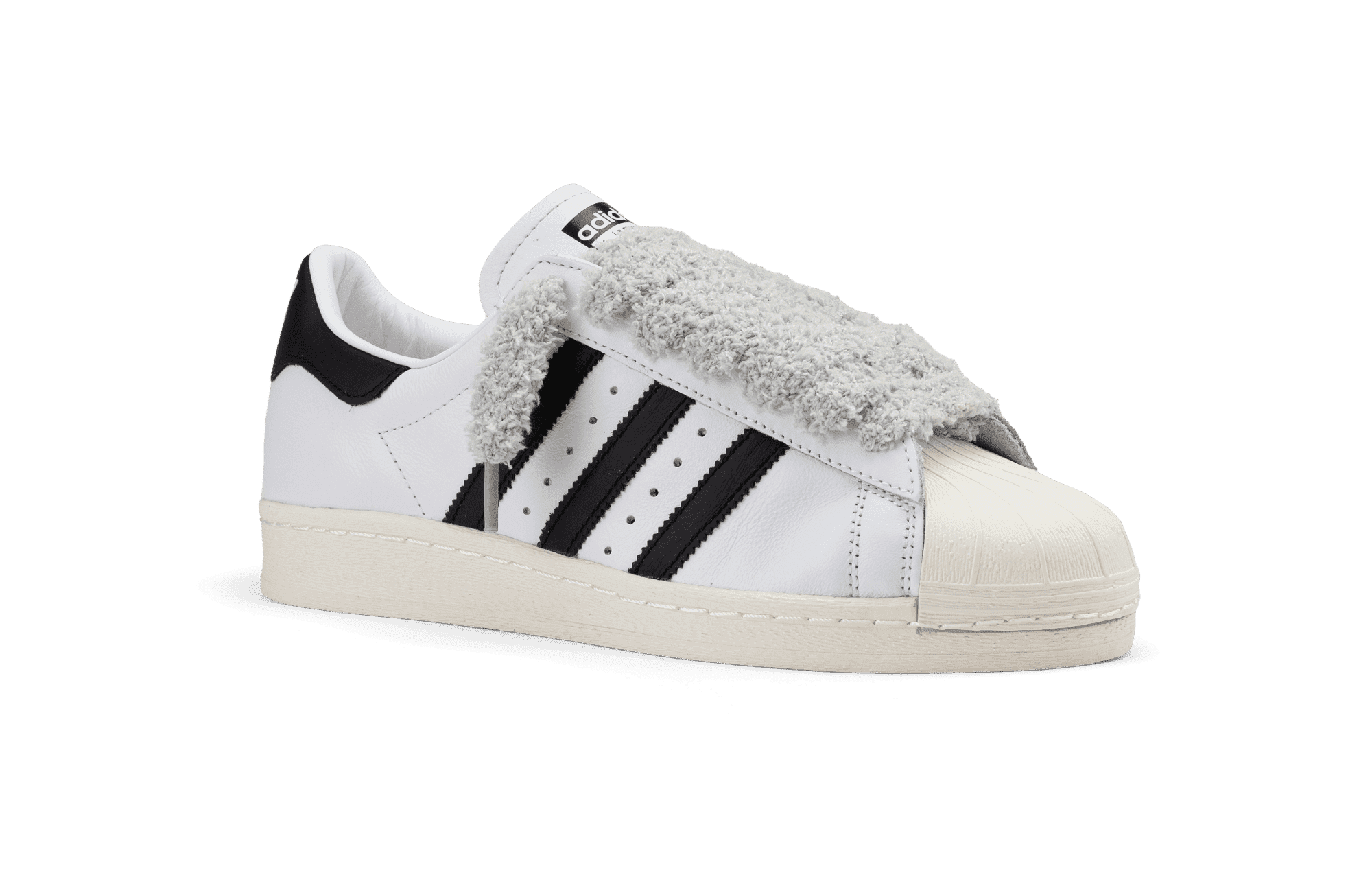
Soffici lacci grassi
9,99 €
Troveremo la lunghezza perfetta per te!

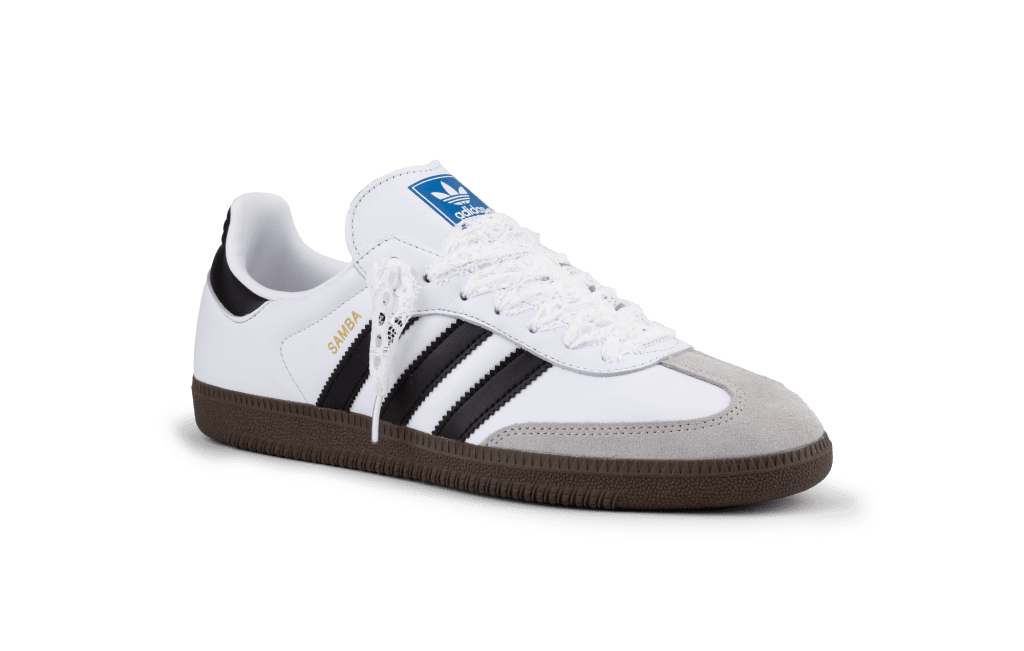
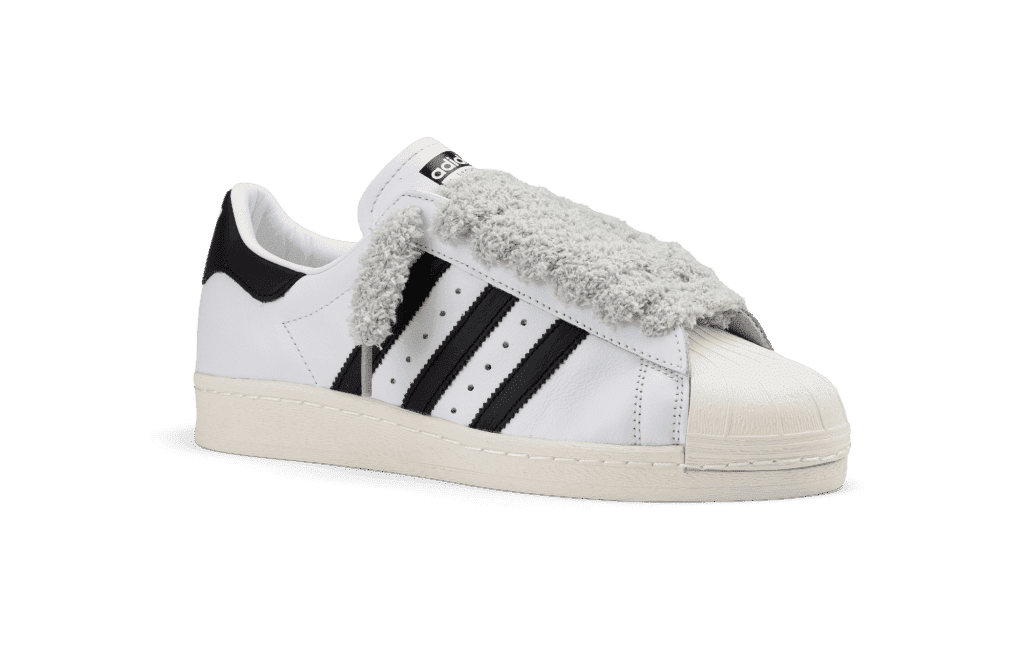
Fat Fuzzy Laces di BAGGY – Soffici lacci da sneaker con carattere
Questi lacci sono più di un semplice laccio da scarpe. I nostri lacci conferiscono un look morbido, colori vivaci e un volume robusto direttamente alla tua sneaker.
Vuoi lacci larghi con una texture soffice? Questo è esattamente ciò per cui sono fatti i Fat Fuzzy Laces. Ideali per Vans, Air Force 1 o Adidas Campus, i lacci colorati attirano davvero l’attenzione.
Il materiale è morbido, leggermente elastico e allo stesso tempo rimane robusto. Possono essere allacciati come i classici lacci, ma sembrano subito più caldi, morbidi e individuali.
Vantaggi a colpo d’occhio:
– ✅ Lacci soffici con un carattere
accattivante – ✅ Ideale per Vans, Air Force 1 e Adidas Campus
– ✅ Disponibile
in colori vivaci e lacci extra larghi – ✅ Morbido al tatto, si adatta in modo sicuro e rimane elegante
Per look che si distinguono. Per scarpe da ginnastica dall’aspetto diverso. Con lacci sfocati di BAGGY.
Ambito di consegna
Ottieni tutto ciò di cui hai bisogno per un paio di scarpe da ginnastica: lacci per le scarpe da ginnastica sinistra e destra.
Si prega di notare che le scarpe da ginnastica mostrate non sono incluse.
Altre domande?
- Spedizione 2-4 giorni lavorativi 2,99€ – Nazionale
- Spedizione 4-7 giorni lavorativi 5,99€ – Internazionale
Altre domande?
Materiale: Soffice poliestere con superficie testurizzata.
Cura: Lavare a mano con un panno morbido e acqua tiepida. Lasciare asciugare all’aria.
Altre domande?
[data-attribute_name="attribute_color"] .button-variable-item span{
  display:none
}

.length-custom-text{display:none}


[data-attribute_name="attribute_color"] li {
  width: 80px !important;
  height: 80px !important;
  border-radius: 10px !important;
  border: solid 0px white !important;
  background:#F6F6F6 !important;
  margin-right:5px !important;
}

[data-attribute_name="attribute_color"] li.selected {
  border: solid 0px black !important;
  background:#F6F6F6 !important;
}


#ohowwx img{
  width:90px
}
[data-wvstooltip]:hover:before,
[data-wvstooltip]:hover:after{
  display:none
}
ul[data-attribute_name="attribute_color"] li{
  position:relative;
}

ul[data-attribute_name="attribute_color"] a{
  position:absolute;
  top:0;
  left:0;
  width:100%;
  height:100%;
  z-index:10
}
// IMG LIGHTBOX REMOVE LINKS HREFS
document.addEventListener('DOMContentLoaded', function() {
// Select all anchor elements inside .woocommerce-product-gallery__image divs
document.querySelectorAll('.woocommerce-product-gallery__image a').forEach(anchor => {
// Remove the href attribute from the anchor tag
anchor.removeAttribute('href');
});
});
// IMG CLICKS IDS
document.addEventListener("DOMContentLoaded", function() {
// Handle images with spaces in their id attributes (run this immediately)
const images = document.querySelectorAll('img[id]');
// Iterate through each image element to normalize IDs first
images.forEach(function(img) {
// Get the id of the image
let imgId = img.getAttribute("id");
// Replace spaces with hyphens and normalize to lowercase
const validImageId = imgId.replace(/s+/g, '-').toLowerCase();
// Set the new ID with hyphens to the image element (making it valid)
img.setAttribute("id", validImageId);
});
// Delay the execution of the image-related logic to ensure that IDs are replaced before looking for them
setTimeout(function() {
// Select all li elements inside ul with data-attribute_name="attribute_color"
const listItems = document.querySelectorAll('ul[data-attribute_name="attribute_color"] li');
// Iterate through each li element
listItems.forEach(function(li) {
// Get the value of the data-title attribute
let dataTitle = li.getAttribute("data-title");
// If data-title exists, proceed
if (dataTitle) {
// Normalize by replacing spaces with hyphens to create a valid ID selector for both li and image
const validId = dataTitle.replace(/s+/g, '-').toLowerCase();
// Find the corresponding image by normalized ID (replace spaces with hyphens in the image id too)
const imgElement = document.querySelector(`img[id="${validId}"]`);
// If the image element exists, clone it inside the li
if (imgElement) {
// Clone the image element
const clonedImage = imgElement.cloneNode(true);
// Append the cloned image inside the li element
li.appendChild(clonedImage);
} else {
// Log an error if the image doesn't exist (for debugging purposes)
console.error(`No image found for ID: ${validId}`);
}
// Add a click event listener to scroll to the target element
li.addEventListener('click', function() {
// Find the element with the corresponding normalized ID
const targetElement = document.querySelector(`#${validId}`);
// If the element exists, scroll to it with an offset
if (targetElement) {
// Get the top position of the target element
const elementPosition = targetElement.getBoundingClientRect().top + window.scrollY;
// Scroll to the element's position minus 130px for the offset
window.scrollTo({
top: elementPosition - 130, // Adjust the scroll position by -130px
behavior: 'smooth' // Smooth scroll
});
}
});
}
});
}, 300); // Wait for 300ms before running the image insertion logic
});